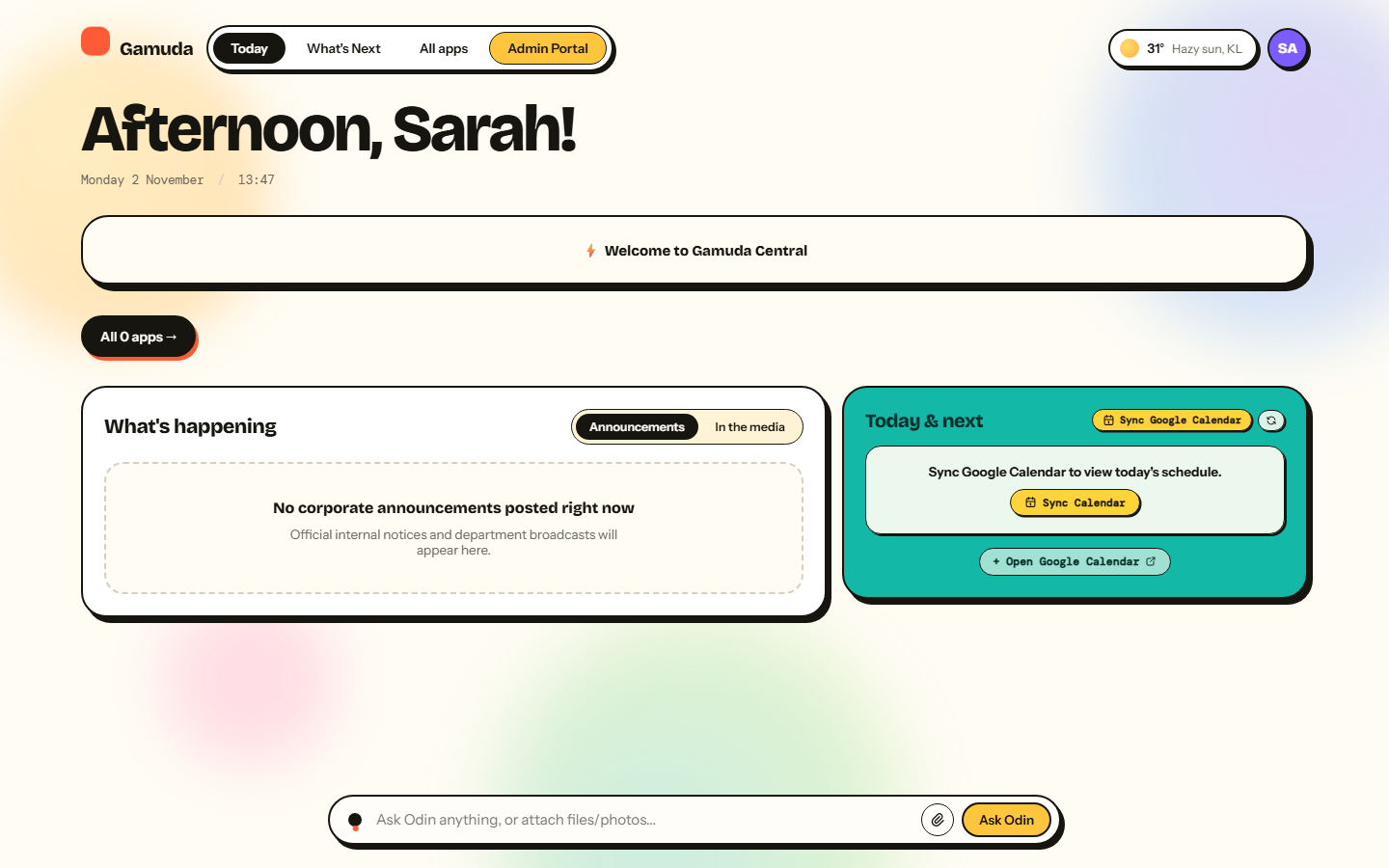
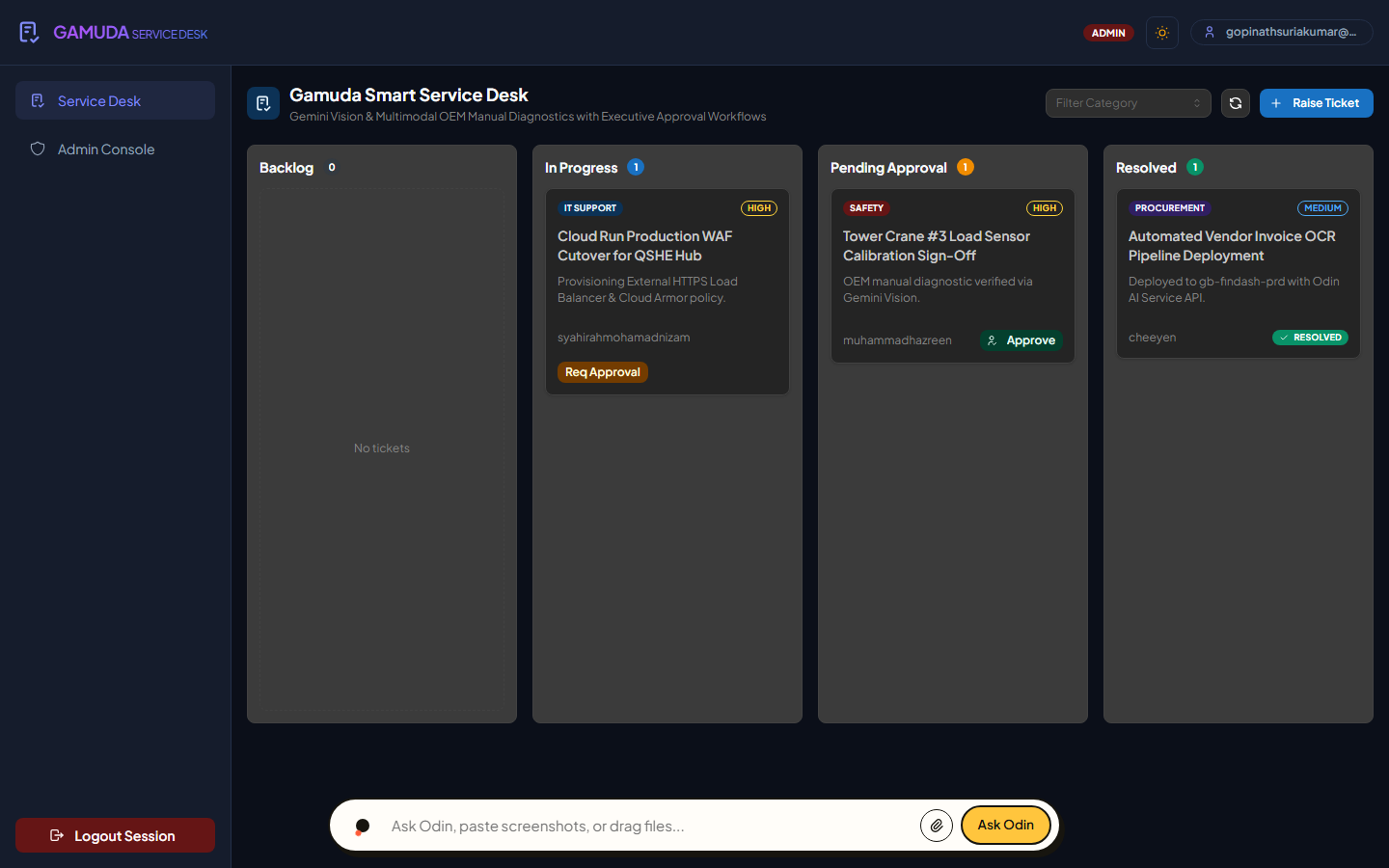
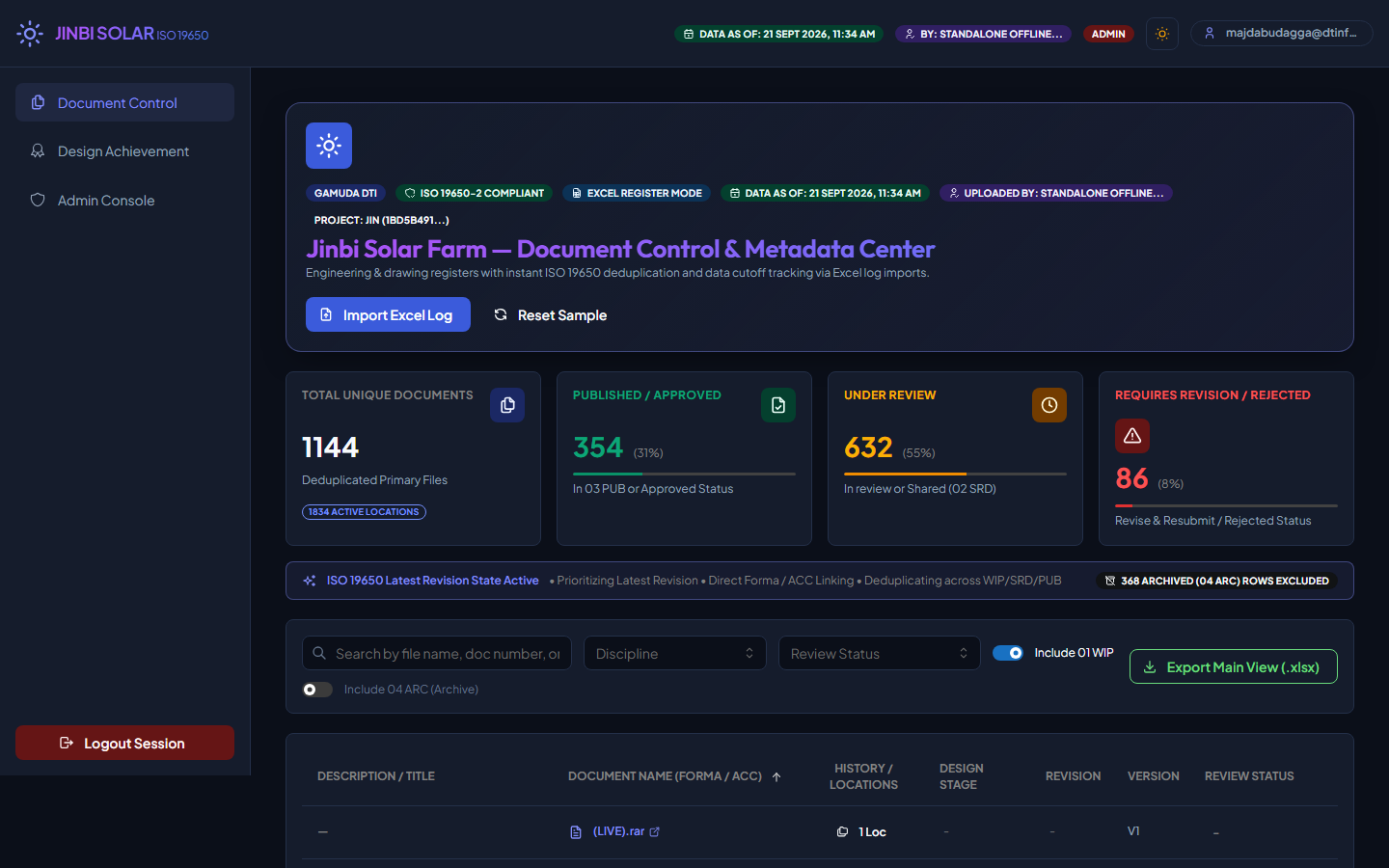
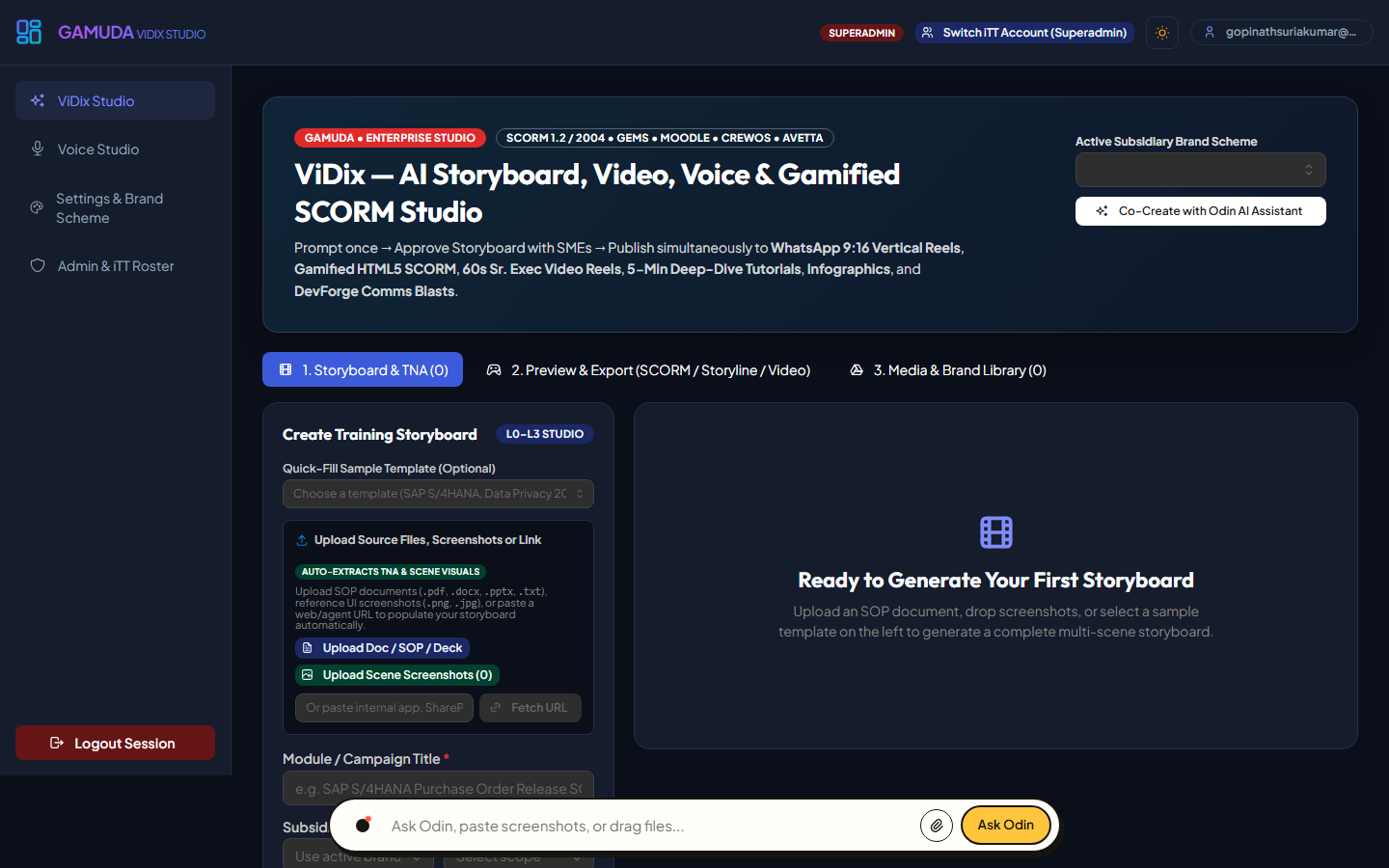
Building the Future of Infrastructure,
Powered by You.
Gamuda DevForge is a company-wide initiative designed for every single Gamudian. It doesn't matter what department you are in, what role you hold, or what your background is—if you have an idea to solve a problem, this program is for you.
The goal is simple: empower anyone across the company to build their own AI tools and digital solutions to automate work and tackle daily challenges. Zero coding experience or IT background required, just curiosity and a drive to make work smarter.
Instead of waiting months on external vendors or development queues, Gamuda DevForge empowers our engineers, project managers, and operational leads to build custom, cloud-deployed digital solutions directly from their desks.
Step Up as a Digital Site Foreman
Use plain-English prompts and AI subagents to automate repetitive admin tasks and streamline site workflows at the speed of thought.
100% Secure & Supported
Experiment freely inside a security-hardened Google Cloud sandbox fully backed by Senior Leadership, Group IT, and Cybersecurity.
Zero Syntax, Maximum Impact
You bring the operational insights and curiosity; DevForge handles the technical heavy lifting.
The future of Gamuda’s digital efficiency won't be outsourced—it will be forged by you. Explore the portal, join our pioneer cohorts, and start building the solutions your team needs today.
Forge the app. Skip the code. Accelerate Gamuda.
Training Objective
Core Mission of Gamuda DevForge Pioneer Cohorts
"To empower non-technical professionals to confidently design, build, and deploy functional digital applications—without writing a single line of code."
Antigravity 2.0
The Site ForemanThe AI orchestration cockpit. Speak plain English prompts to command specialist subagents.
Databases
Filing CabinetWhere your app stores information securely (Firebase). The digital record room for your site.
Gamuda GitLab
Time MachineWhere your blueprints are saved. Revert to any save point instantly if a build goes off track.
Cloud Console
Physical Land PlotGoogle Cloud Platform. The infrastructure host where your web applications run live.
Byte-Sized Development Pathway
Draft Blueprint
Create the AGENTS.md text file in the root of your project folder. Set the layout rules.
Command Team
Use the /grill-me command. Let the AI agent cross-examine your idea for logical errors.
Audit Progress
Review changes in the visual Artifacts panel. Reject or accept code modifications file-by-file.
Deploy Live
Command the agent to run tests, push snapshots to Gamuda GitLab, and deploy to Firebase Hosting.
Program Timeline
This program is executed on a Monthly Cycle. Each cohort follows this structured commitment path:
The "Don't Panic" Flowchart
If the AI agent makes a mistake, follow these exact phases in order.
Tell the agent directly to fix the specific file it just broke.
Use the Gamuda GitLab Time Machine to undo a bad loop.
Update the project rulebook to prevent the mistake.
Unlock Workshop Recordings, Slide Decks & Materials
As a Visitor, you can freely browse all behind-the-scenes photos in the Cohort Gallery below. Full access to Workshop & Sync-Up Video Recordings, Interactive Slide Decks, and Phase 1–4 Lab Materials unlocks automatically once you register and are waiting to be assigned to a cohort.
Visitors can view and enlarge all 16 behind-the-scenes cohort photos anytime.
Unlocks once you register & are waiting for cohort assignment (or enrolled).
All Phase 1–4 playbooks, slide decks & prompt libraries unlock upon registration.
Trainee Workshop Hub & Curriculum
Step-by-step interactive modules, visual presentation slide decks, and sandbox playbooks
Active Cohort Phases • Real-Time Learning Hub
Gamuda DevForge — Sync 2 (Cohort 2): The AI Construction Foreman (Delivered Wed, 4 Nov 2026)
Great session with Cohort 2 Builders across Australia, Vietnam, Malaysia & Singapore! Catch the Full Session Video Replay and the Fast-Track Summary Video (Google Vids) covering The IBS Prefab 3-Pod Split (Look / Brains / Data), Permit-to-Work (PTW) Scoped Prompts, and the 15-Second F12 Console Triage.
Gamuda DevForge — Core Workshop (Cohort 3): Thursday, November 5 · 08:00 – 12:00 MYT (4 Hours)
All 32 confirmed Cohort 3 Digital Pioneers across Gamuda Land (Vietnam & MY), Gamuda Engineering, Gamuda Berhad, DT Infrastructure Australia, and SRS TC have completed Stage 1 Prep! Use the buttons below to launch the 4-Hour Core Workshop Run Sheet (Phases 1–4), verify Pre-Workshop Quiz completion, or dispatch the final 08:00 AM MYT Pre-Flight Reminder.
Dedicated Cohort: Wei Ling's Team — Complete Your Post-Workshop Quiz, Training Evaluation & Download e-Certificate
Congratulations to Lim Wei Ling (gb-limweiling-ag) and all 25 verified in-person attendees (including Gan Ching Ling & 6 walk-in builders across GIT Enterprise Solutions, SAP & CDO Office) on completing the live Core Workshop at Auditorium MG! Complete the 3 mandatory graduation steps below to unlock and download your official e-Certificate of Achievement signed by CDO John Lim Ji Xiong:
Dedicated Cohort: Sankar's EHS Team — Complete Your Post-Workshop Quiz, Evaluation & e-Certificate (0/11 Completed)
Congratulations to Head of EHS Sankar Nadasan (`gb-sankarnadasan-ag`) and all 11 EHS specialists on completing the in-person Core Workshop & Safety AI Lab on 16-Oct-2026 — including special recognition for night-shift SHE personnel Mohammad Kamarul Bin Kather Mahiddin (`gb-mohammadkamarul-ag`), who stayed over after his Thursday night / Friday morning shift on just 1 hour of sleep to complete the training and continue building his EHS AI solution! Currently 0/11 members have downloaded their e-Certificate — please complete the 3 mandatory certification steps below before Rescheduled Bi-Weekly Sync #1 on Friday, 6-Nov-2026 (moved from 30-Oct due to the site Emergency Drill):
Post-Workshop Scaling & Bi-Weekly Syncs
Cohort 1 graduated the live 3.5-hour core workshop and has completed 4 of 6 Bi-Weekly Sync-Ups (Sync #1 to #4 recordings & slide decks unlocked). Next up: Bi-Weekly Sync-Up #5 on 17 Nov 2026.
Cohort 2: Post-Workshop Completion & Certification
All 32 confirmed Cohort 2 learners have completed the live Core Workshop! Complete your Master Forge Quiz, submit the Kirkpatrick Level 1 Evaluation, and download your Official E-Certificate signed by CDO John Lim Ji Xiong.
meet.google.com/vkt-oyvz-dagWorkshop & Bi-Weekly Sync-Up Recordings
Select any session from the interactive playlist to preview chapters and launch the replay. Note: Unregistered visitors can preview titles here, while full video playback & materials unlock once registered and waiting for cohort assignment.
Cohort 2 Bi-Weekly Sync #2: The AI Construction Foreman (IBS Prefab, PTW & F12 Triage)
Recorded live on 4 November 2026 (Full Recording + Google Vids Summary Video). Covers the IBS Prefab 3-Pod Split (Look vs. Brains vs. Data), Permit-to-Work (PTW) Scoped Prompts, and 15-Second F12 Console Triage.
Click any track to load into the Cinema Stage
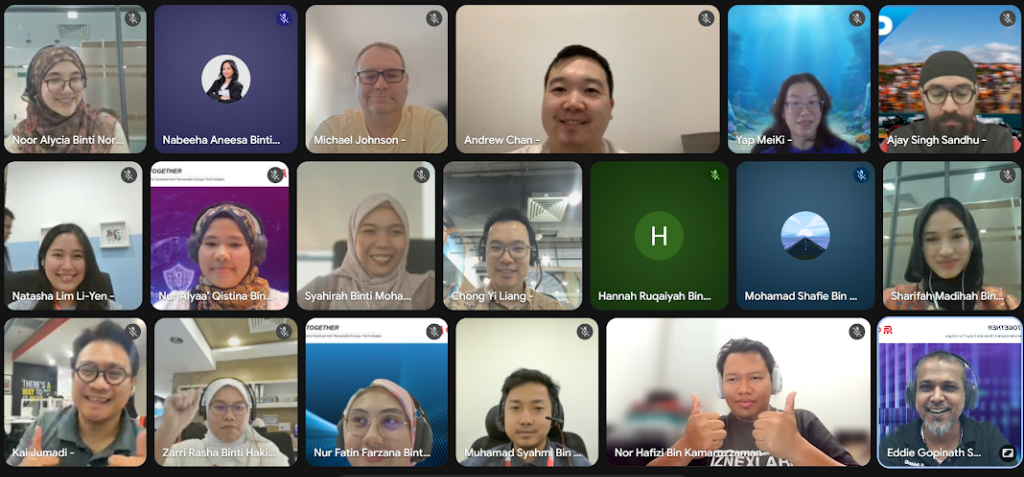 Cohort 1 • Delivered 1-Sep
3h 30m
Cohort 1 Core Workshop: Gamuda DevForge & Agentic Automation
Full 3.5-hour recorded intensive session. Covers Antigravity 2.0 architecture, prompt engineering with /grill-me, autonomous agent workflows, and live sandbox deployments.
Cohort 1 • Bi-Weekly Sync #1
15-Sept-2026
Sync-Up #1: Site Mobilization & Setting Out (3-Peg Blueprint)
Post-workshop mobilization clinic: slicing broad ideas into 1 high-value job, mapping the 3-Peg Blueprint (Input → Rule Check → Output), and upgrading wish-list prompts into Site SOPs.
Cohort 1 • Bi-Weekly Sync #2
COMPLETED
1h 00m
Sync-Up #2: The AI Construction Foreman (IBS Prefab & Triage)
Overcoming the Overcrowded Drawing Trap, separating UI vs. Logic vs. Data with IBS Prefab methods, locking working code with PTW prompt barricades, and 3-step black screen console triage.
Cohort 1 • Bi-Weekly Sync #3
COMPLETED
1h 00m
Sync-Up #3: Connecting Site Utilities (Live Data & APIs)
Moving from mock JSON to live Google Sheets and BigQuery. Defensive error handling, Lockout/Tagout (LOTO) credential protection, and 3-minute peer demo rapid fire.
Cohort 1 • Bi-Weekly Sync #4
1h 00m
Sync-Up #4: Deploying Heavy Machinery (Agent Swarms & Cron)
Upgrading from manual hand tools to autonomous Tunnel Boring Machines (TBMs): orchestrating 3-agent subcontractor crews, Night-Watchman cron patrols, and Red E-Stop dead-man switches.
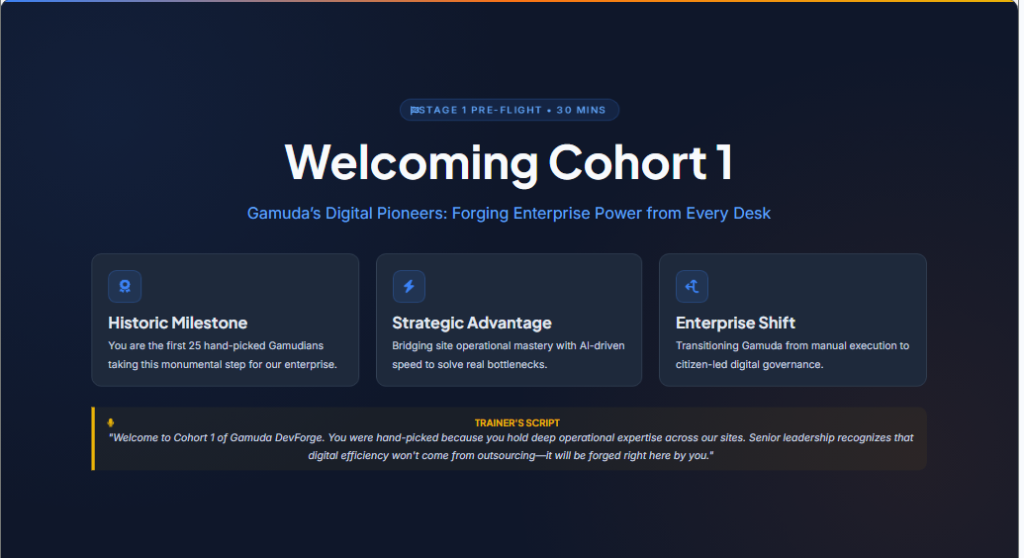 Cohort 2 • Prep Alignment
30 mins
Sankar's EHS Team Stage 1: Prep Meeting Alignment & Setup
Kick-off orientation for Sankar's EHS Team (11 EHS Specialists) & Cohort 2 trainees. Verification of development sandboxes, Google Cloud credentials, and Antigravity 2.0 terminal.
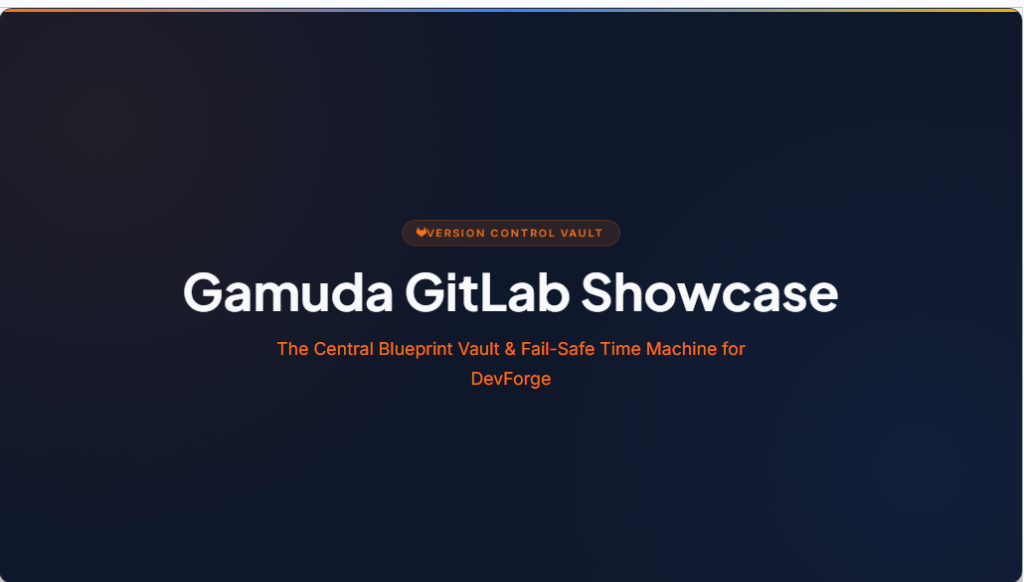 Cohort 2 • Core Workshop
7-Oct-2026
Cohort 2 Core Intensive Workshop: Gamuda DevForge Engineering
Complete 3.5-hour hands-on curriculum for Cohort 2. End-to-end coding in Antigravity 2.0, autonomous agent testing, and cloud deployment.
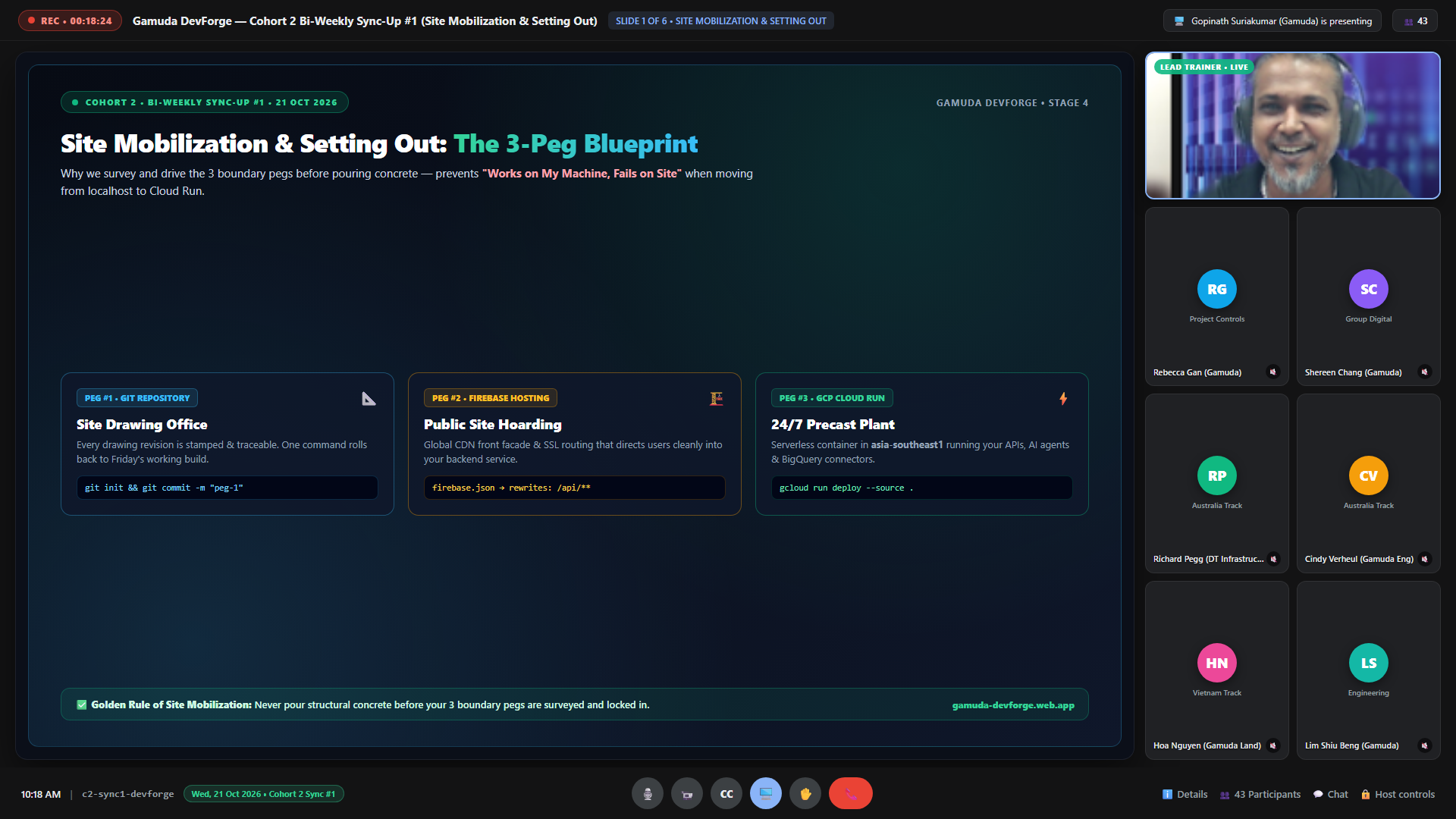 Cohort 2 • Sync #1
1h 00m • 21-Oct-2026
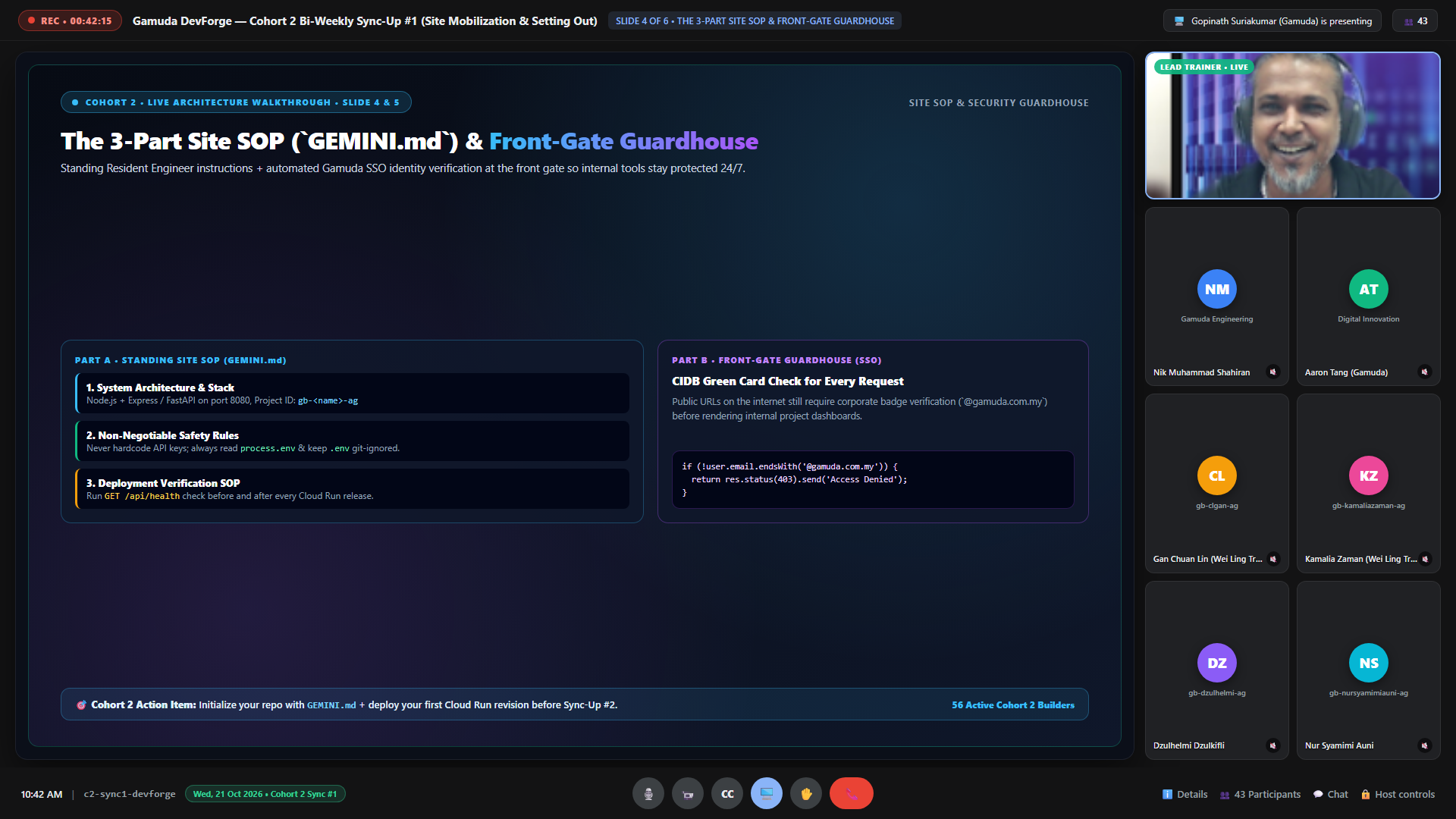
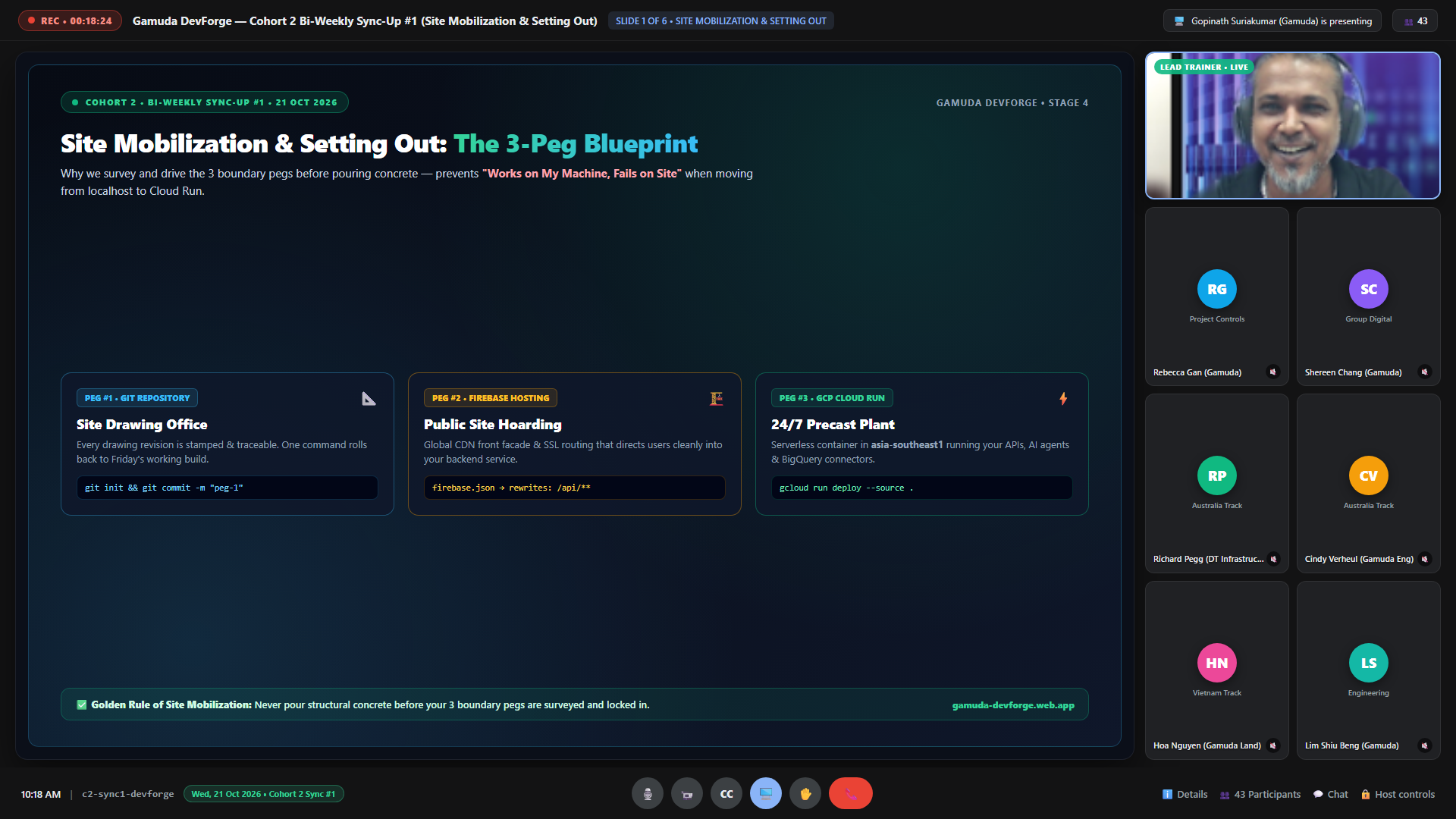
Cohort 2 Bi-Weekly Sync #1: Site Mobilization & Setting Out (3-Peg Blueprint)
Recorded live on 21 October 2026. Covers slicing project scope down to 1 high-value job, the 3-Peg Setting-Out Blueprint, the 3-Part Site SOP (GEMINI.md), and the Front-Gate Guardhouse.
 Cohort 2 • Sync #2 (Latest)
1h 00m • 4-Nov-2026
Cohort 2 Bi-Weekly Sync #2: The AI Construction Foreman (IBS Prefab, PTW & F12 Triage)
Recorded live on 4 November 2026. Covers overcoming the Overcrowded Drawing Trap, the IBS Prefab 3-Pod Split (index.html / app.js / data.json), Permit-to-Work (PTW) Scoped Prompts, and 15-Second F12 Console Triage. Includes both the Full Session Recording and the Google Vids Summary Video.
 Sankar's EHS Team • Delivered 16-Oct-2026
No Video Recording (In-Person)
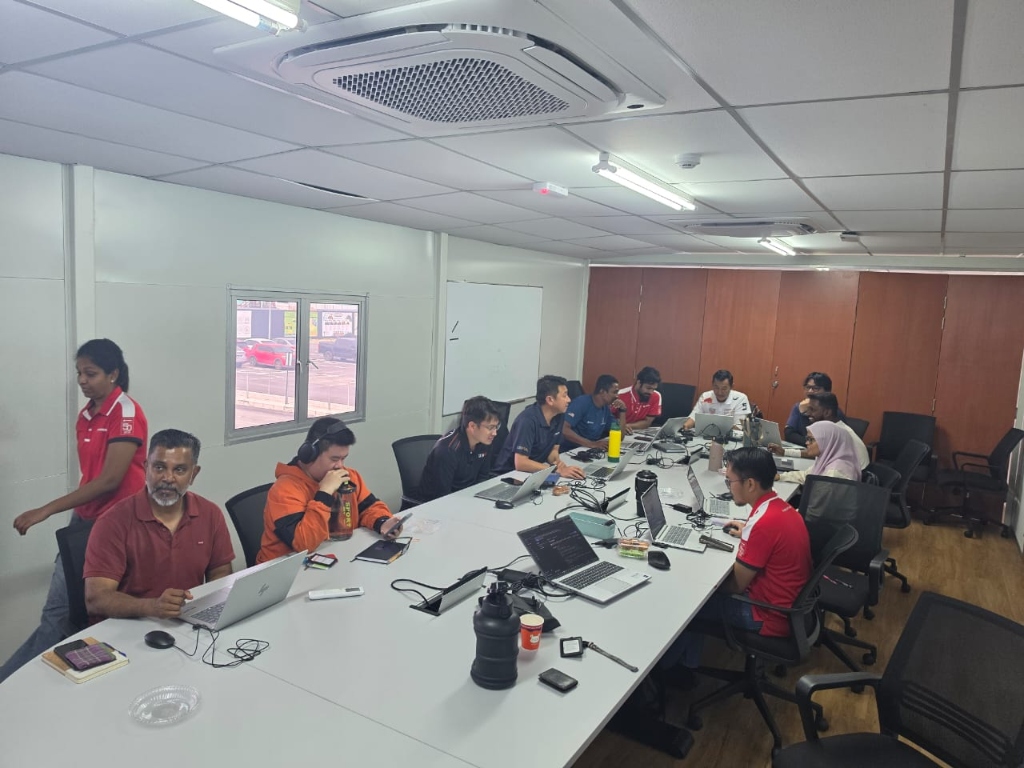
Dedicated Cohort: Sankar's EHS Team — Core Workshop & Safety AI Lab (In-Person Delivery)
Delivered as a 100% physical, in-person hands-on workshop with Head of EHS Sankar Nadasan and all 11 EHS specialists in the training room. Because this session was conducted live on-site with 1-on-1 table coaching, no video recording was captured; attendance was recorded and verified manually for all 11 participants — including night-shift SHE personnel Mohammad Kamarul (`gb-mohammadkamarul-ag`), who stayed over after his Thursday night / Friday morning shift on just 1 hour of sleep to attend the full training and continue his DevForge development!
DevForge in Action • Cohort Gallery
Curated behind-the-scenes moments, in-person hands-on lab milestones, and builder spotlights across all cohorts.
 Wei Ling's Team • Photo #1
✓ 25/25 Auditorium MG Verified
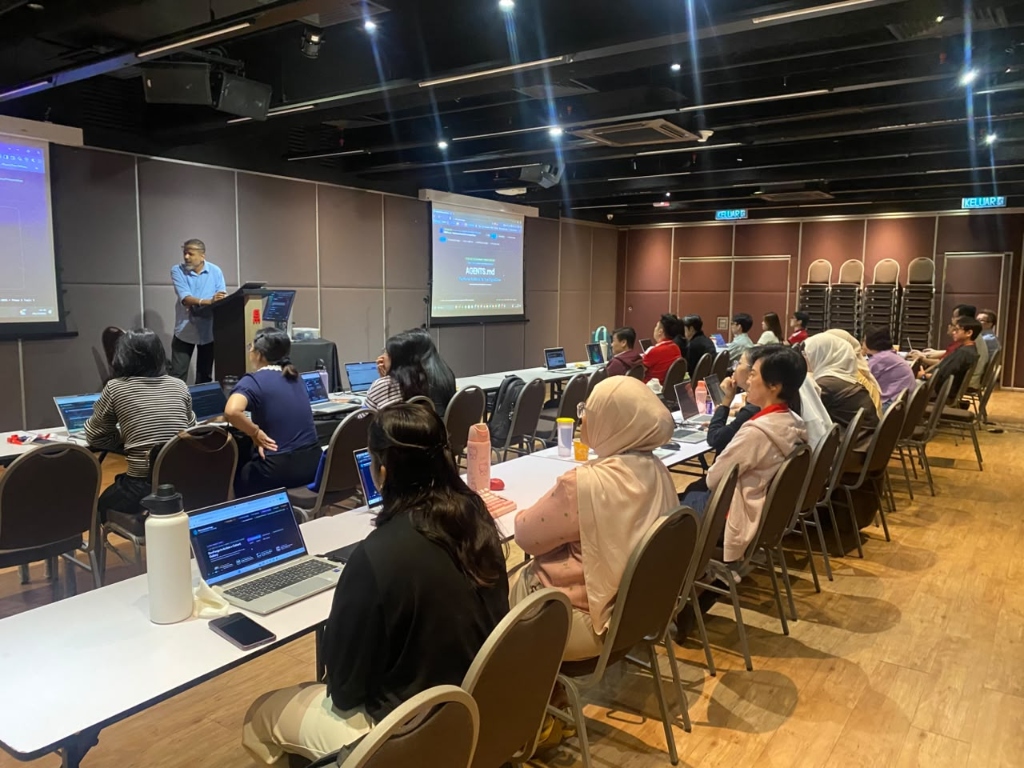
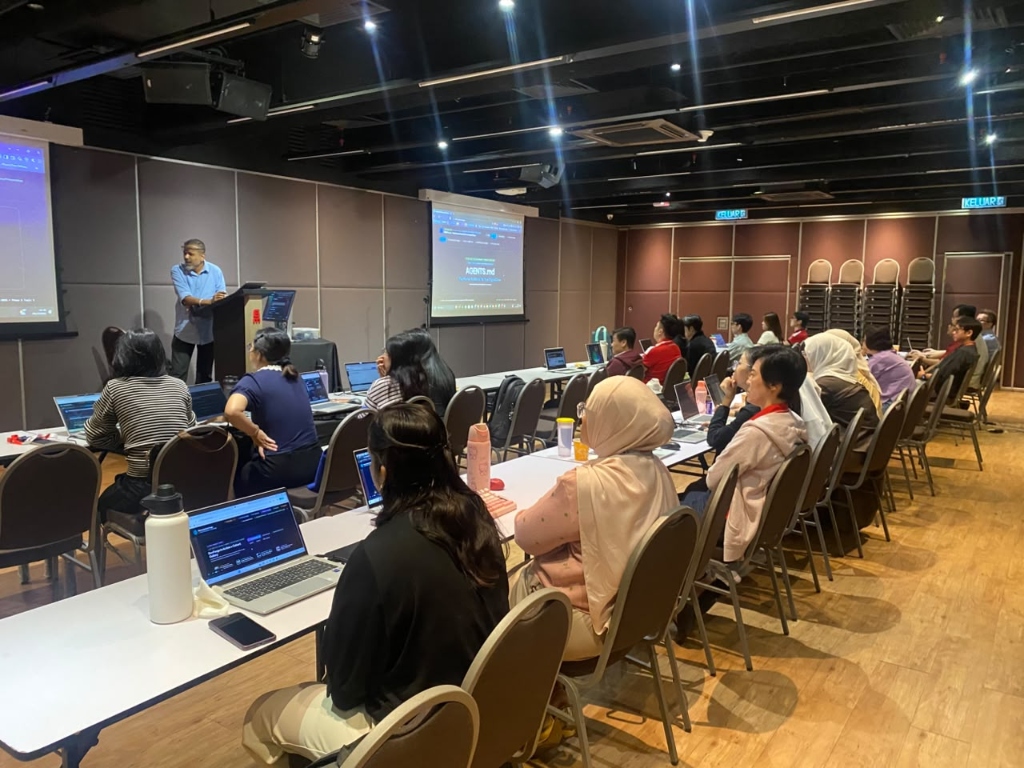
Wei Ling's Team: Auditorium MG Live AGENTS.md Architecture Delivery
Eddie Gopinath presenting the AGENTS.md autonomous engineering blueprint across dual projection screens at Auditorium MG, Menara Gamuda.
 Wei Ling's Team • Photo #2
devforge.gamuda.app Live
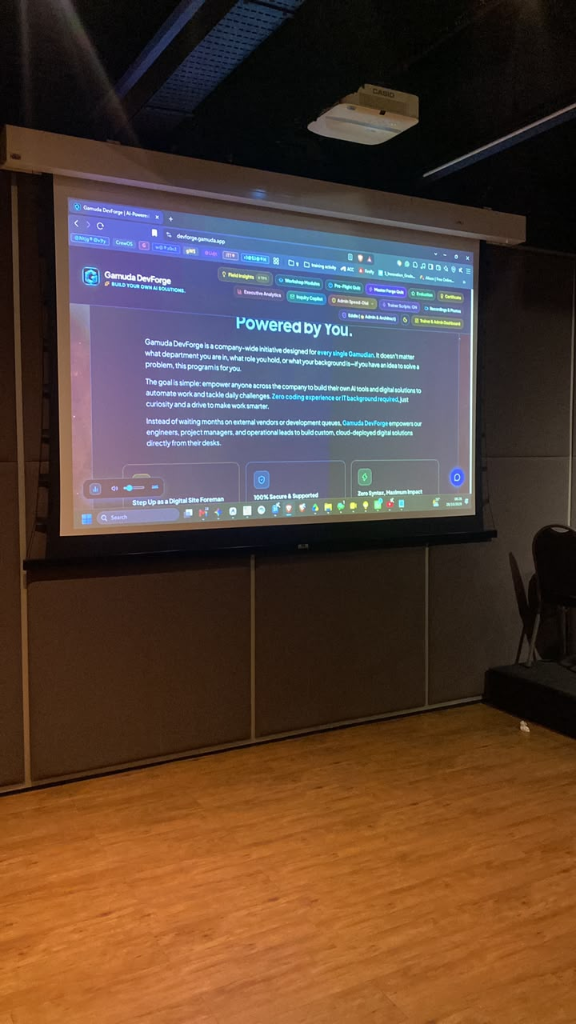
DevForge Portal ('Powered by You') on the Auditorium MG Big Screen
Main projection screen at Auditorium MG showcasing devforge.gamuda.app during the GIT Enterprise Solution kickoff.
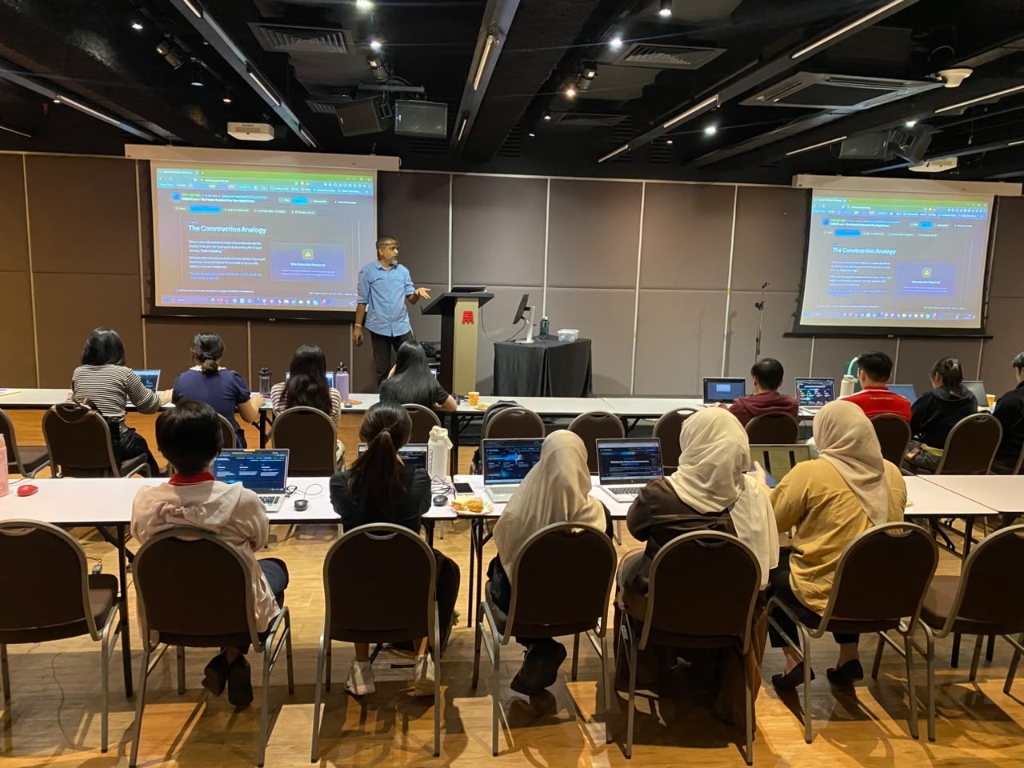 Wei Ling's Team • Photo #3
The Construction Analogy
Dual-Screen Walkthrough: 'The Construction Analogy'
Wide-angle view of Auditorium MG as Eddie explains Resident Engineer governance and AI agent subcontractors.
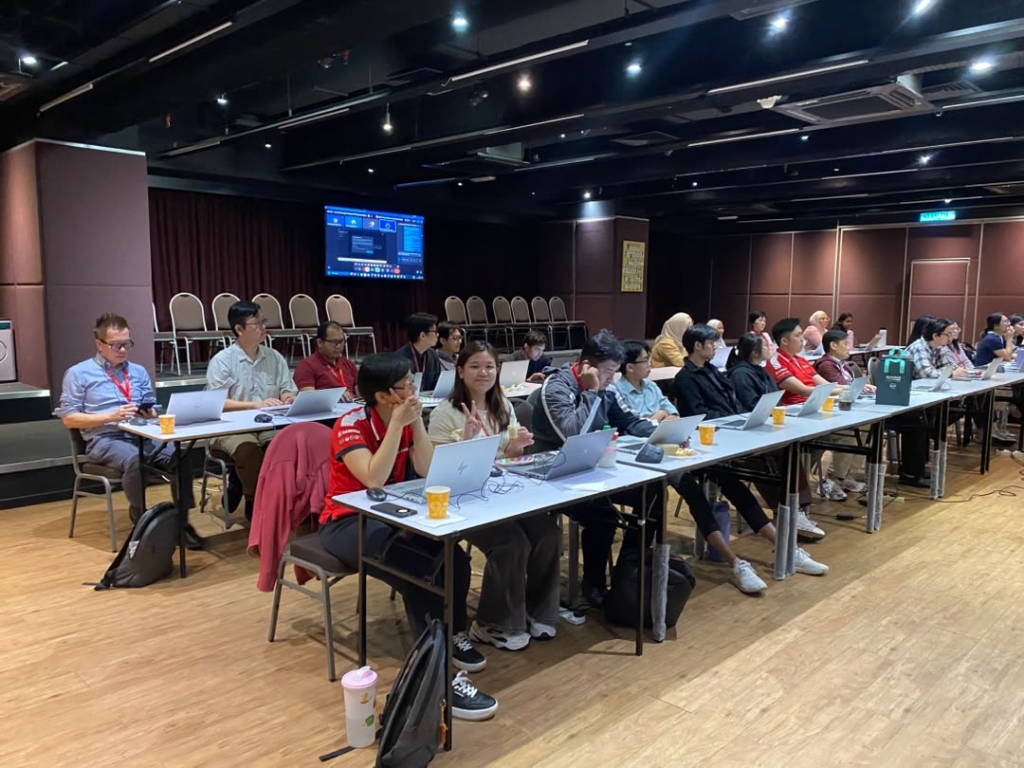 Wei Ling's Team • Photo #4
✌️ Hands-On Build Sprint
Left-Wing Builders Hands-On Coding & Peace Sign Moment
GIT Enterprise Solution, SAP Basis, and CDO Office builders configuring their Antigravity 2.0 sandboxes live at Auditorium MG.
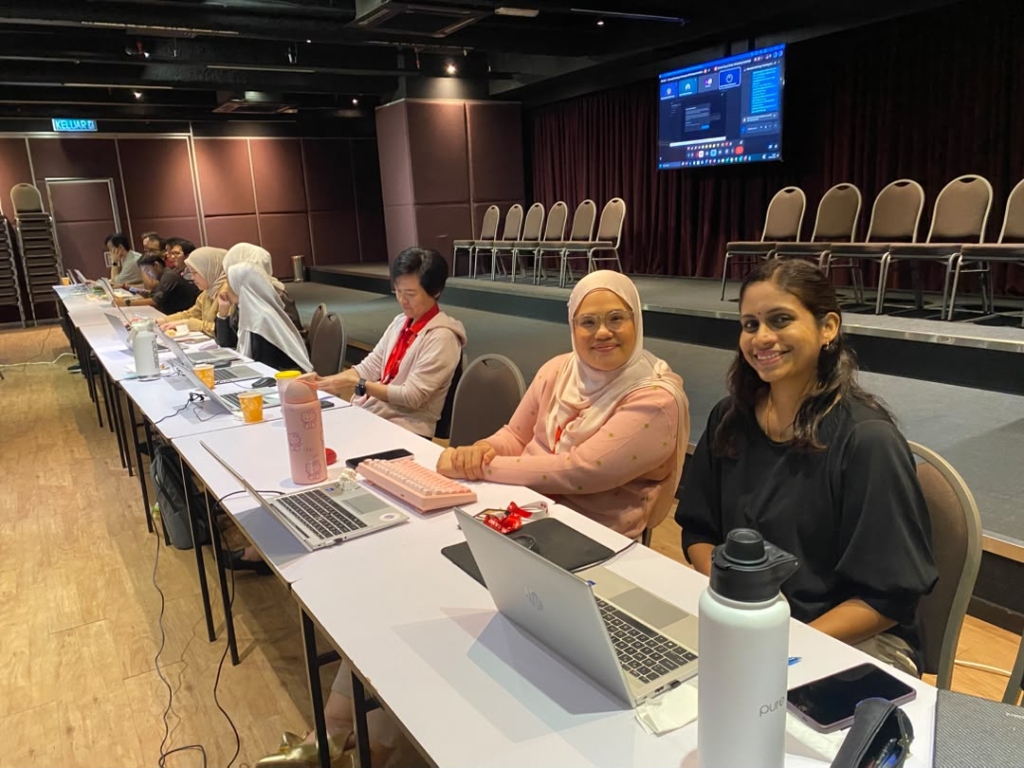 🌟 Front-Row Spotlight • Photo #5
Ratnadevi • Kamaliazaman • Lim Wei Ling
Front-Row Builder Spotlight: Ratnadevi, Kamaliazaman & Lim Wei Ling
Ratnadevi A/P Raman, Kamaliazaman Binti Kamarulzaman, and Cohort Lead Lim Wei Ling building live during the hands-on lab.
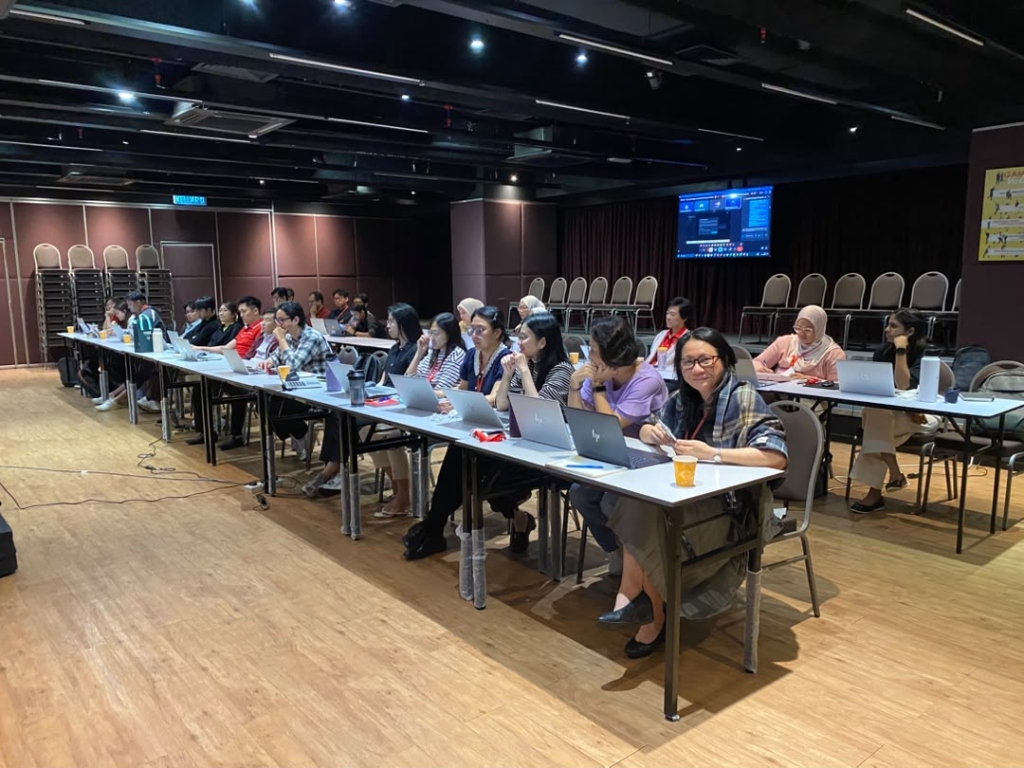 Wei Ling's Team • Photo #6
Full Auditorium MG Cohort (25 Present)
Full Auditorium MG Cohort Perspective & Live Agentic Sprint
Full-room perspective of Lim Wei Ling and 25 GIT Enterprise Solution learners (including Gan Ching Ling & 6 walk-in builders) coding live.
Sankar's EHS Team • Photo #1
✓ Manual Attendance (11/11)
Sankar's EHS Team: In-Person Core Workshop & Safety AI Lab
Head of EHS Sankar Nadasan and his EHS specialists collaborating live in the training room to build site safety and SHE reporting automation apps.
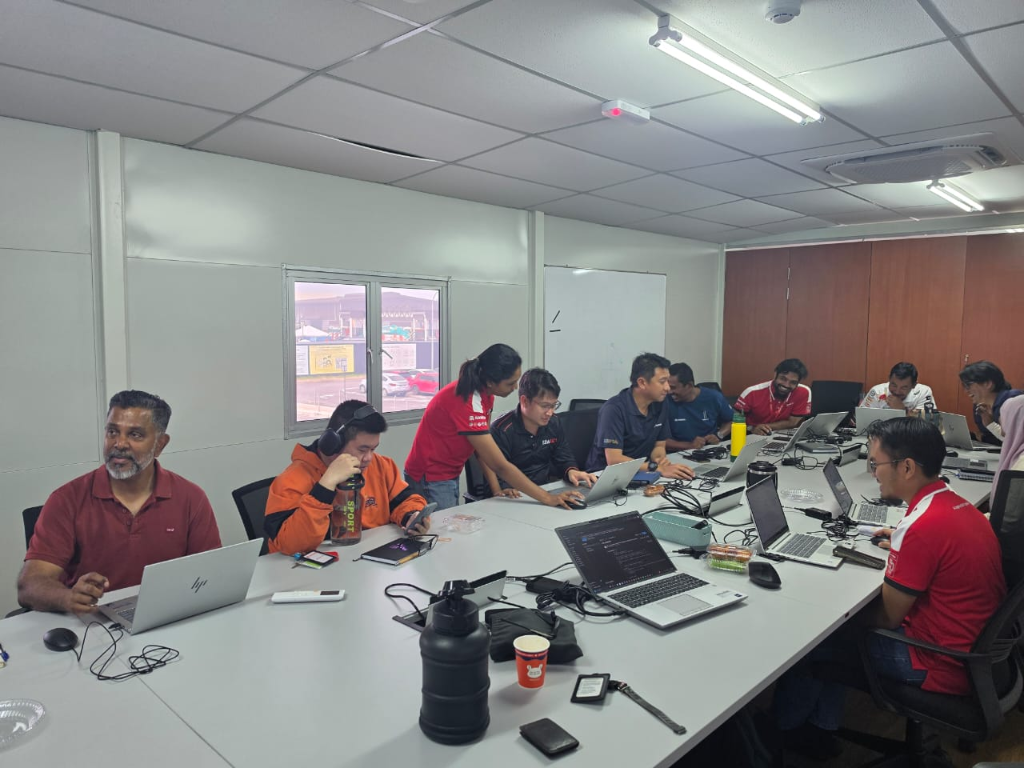 Sankar's EHS Team • Photo #2
100% Manual Attendance
Full EHS Cohort Collaboration & Production Sprint
All 11 EHS specialists actively building and testing their department's safety & compliance AI workflows in-person.
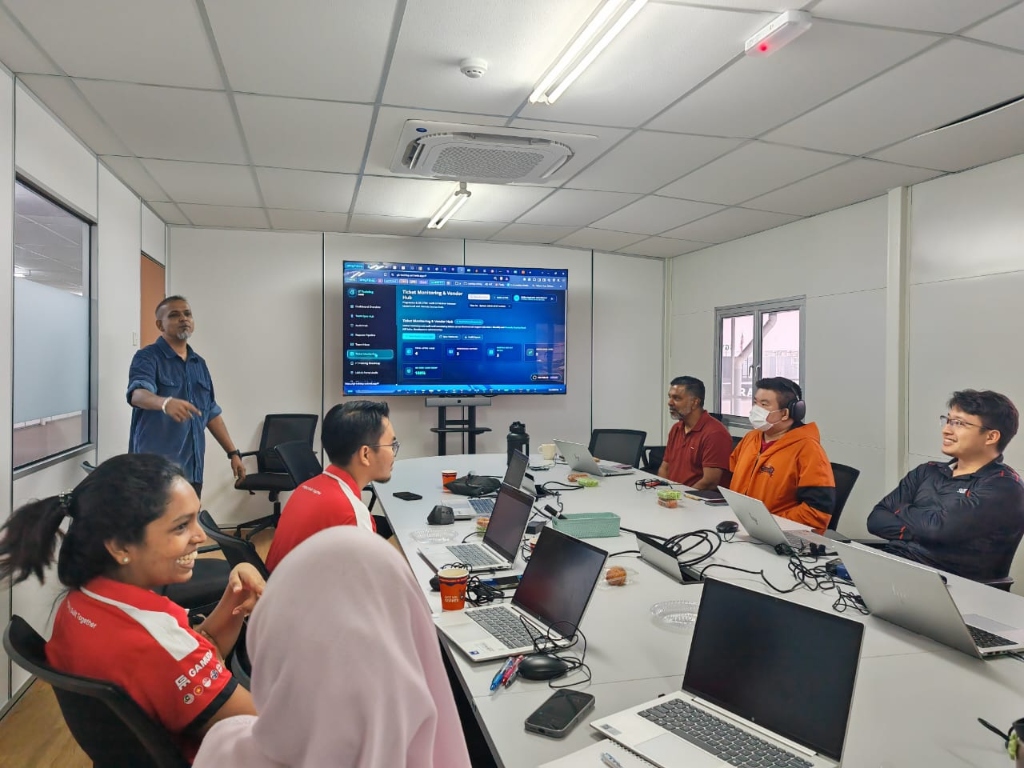 Sankar's EHS Team • Photo #3
Live App Showcase
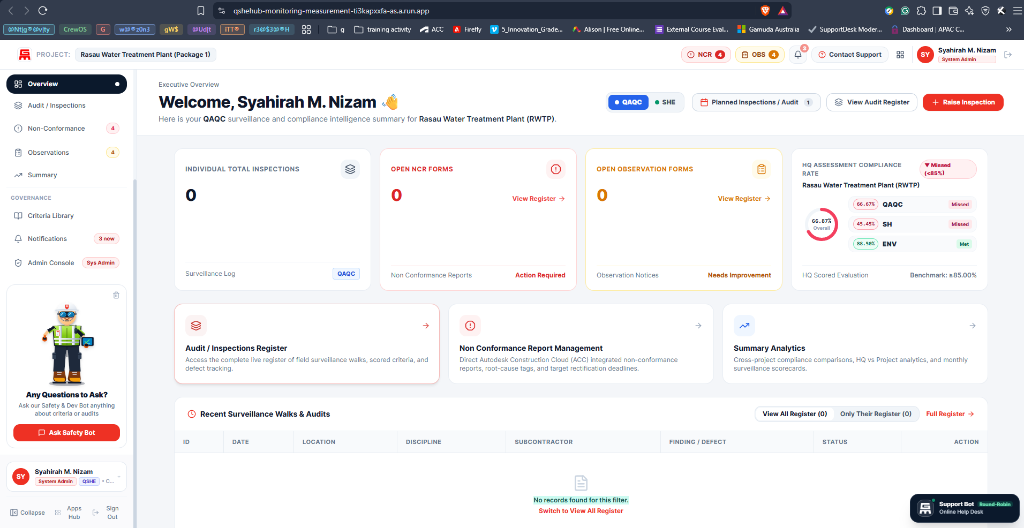
Live Safety App & Vendor Hub Prototype Showcase
Interactive walkthrough of live deployed Gamuda DevForge dashboards with Sankar Nadasan and the EHS team.
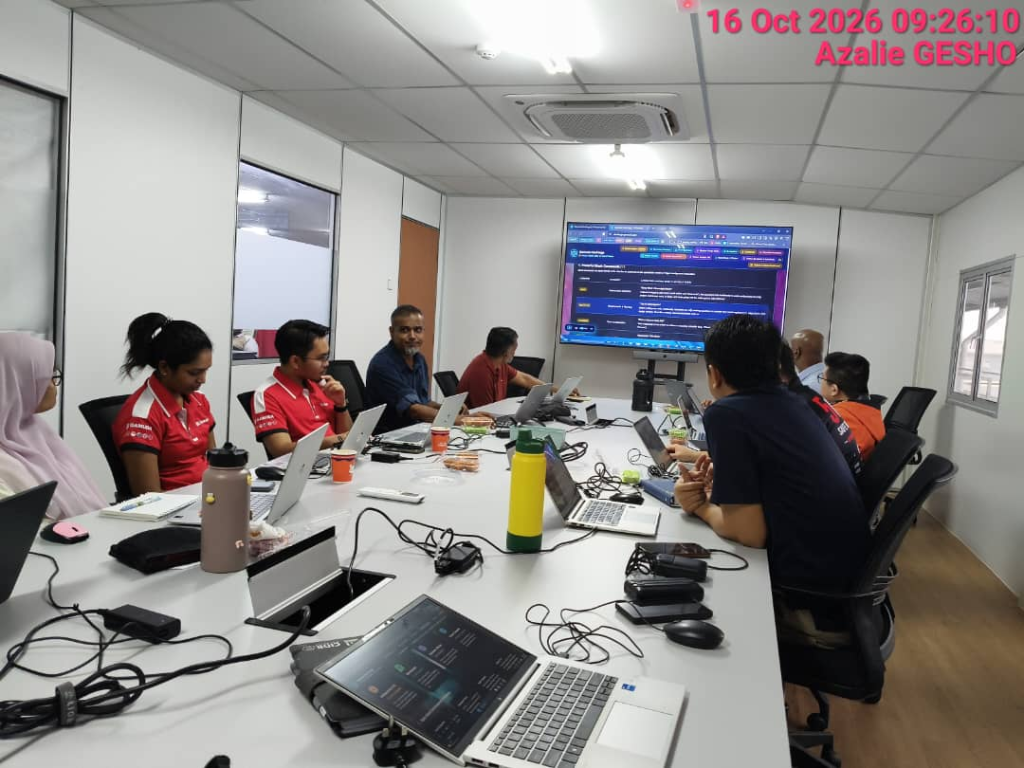 Sankar's EHS Team • Photo #4
16 Oct 2026 09:26:10 • Azalie GESHO
3-Peg Prompt Framework Lab (Azalie GESHO Timestamp)
Timestamped morning lab capture showing the EHS cohort working through the DevForge Prompt Framework on the main screen.
 🌟 Night-Shift SHE Hero • Photo #5
Stayed Over After Night Shift (1 Hr Sleep!)
Night-Shift SHE Hero: Kamarul Staying Over on 1 Hour of Sleep
Night-shift SHE personnel Mohammad Kamarul stayed back after his Thursday night / Friday morning shift on just 1 hour of sleep to complete the training and build his AI app!
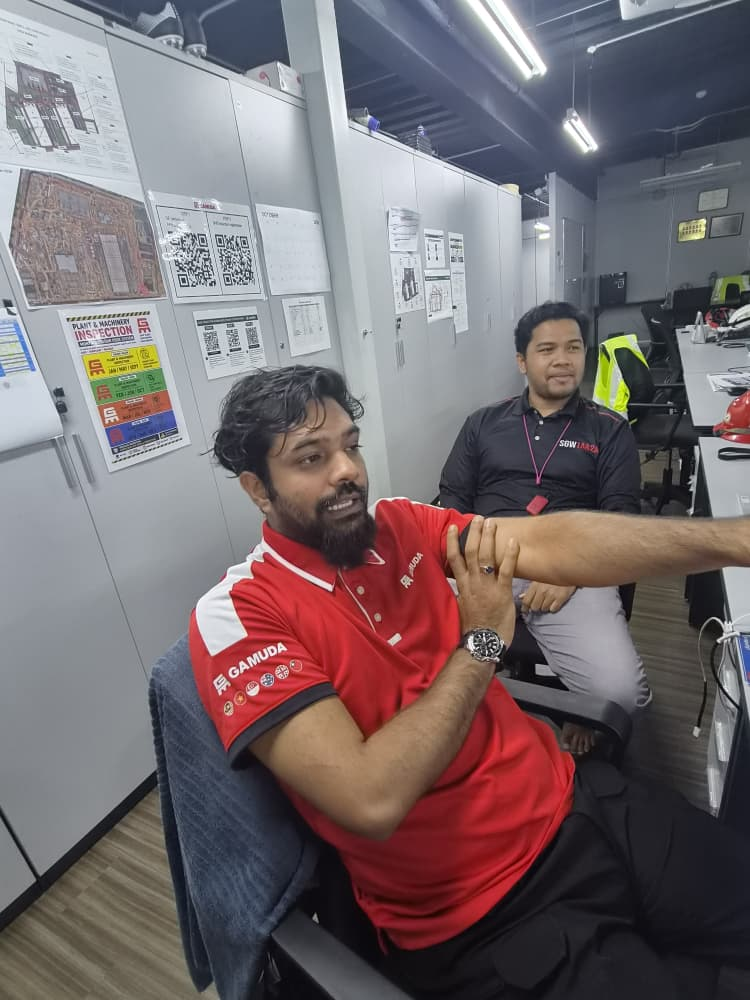
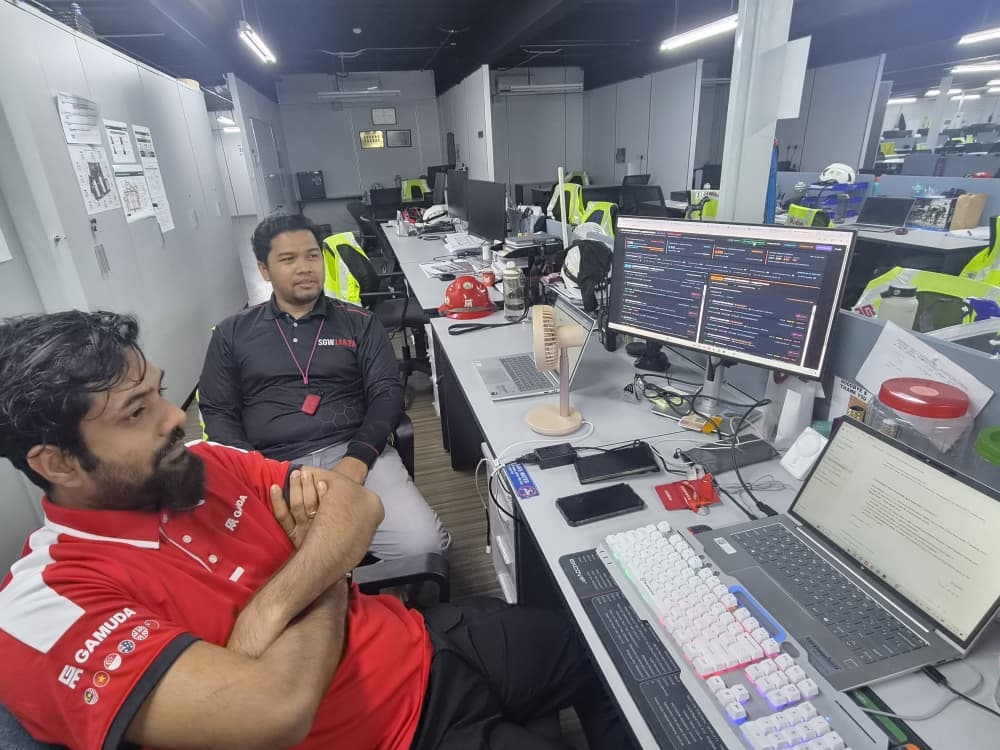 🚀 Continuous Builder • Photo #6
Site Office Dual-Screen DevForge Build
Post-Shift DevForge Build Sprint: Kamarul at the Site Office
Kamarul continuing his SHE AI development through the Gamuda DevForge program at his dual-screen workstation after his night shift.
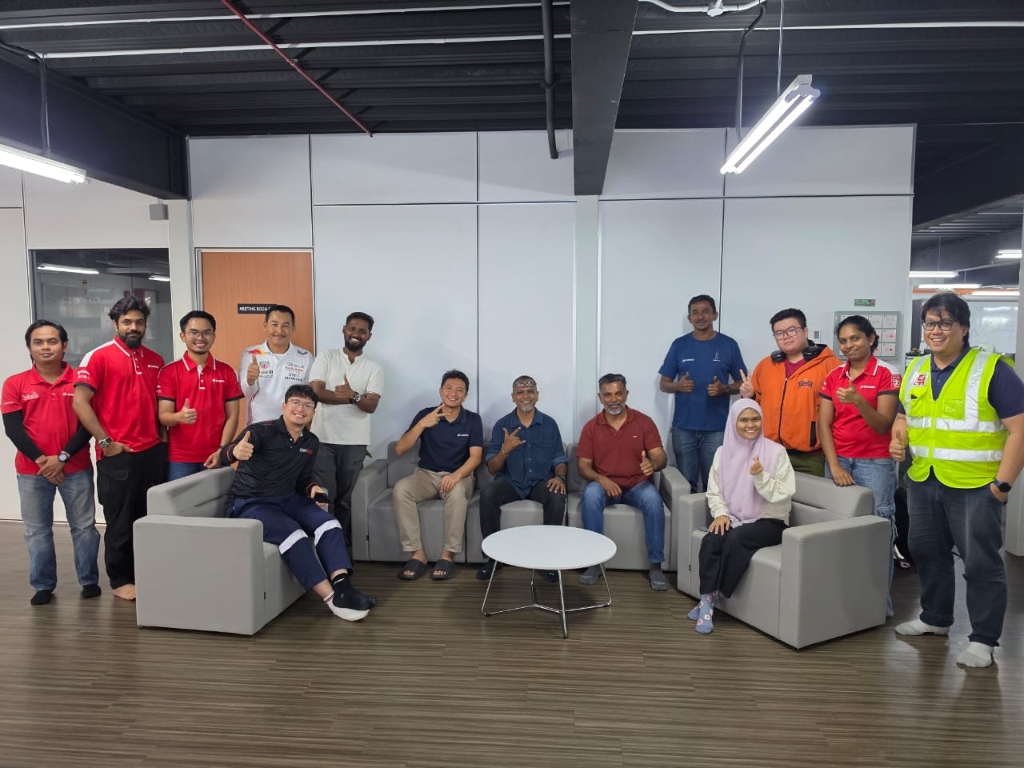 Sankar's EHS Team • Group Photo #7
🤙 Lounge Group Celebration #1
Sankar's EHS Team: Full Cohort Lounge Group Celebration (#1)
Head of EHS Sankar Nadasan, Lead Facilitator Eddie Gopinath, and the entire EHS specialist team celebrating in the lounge area.
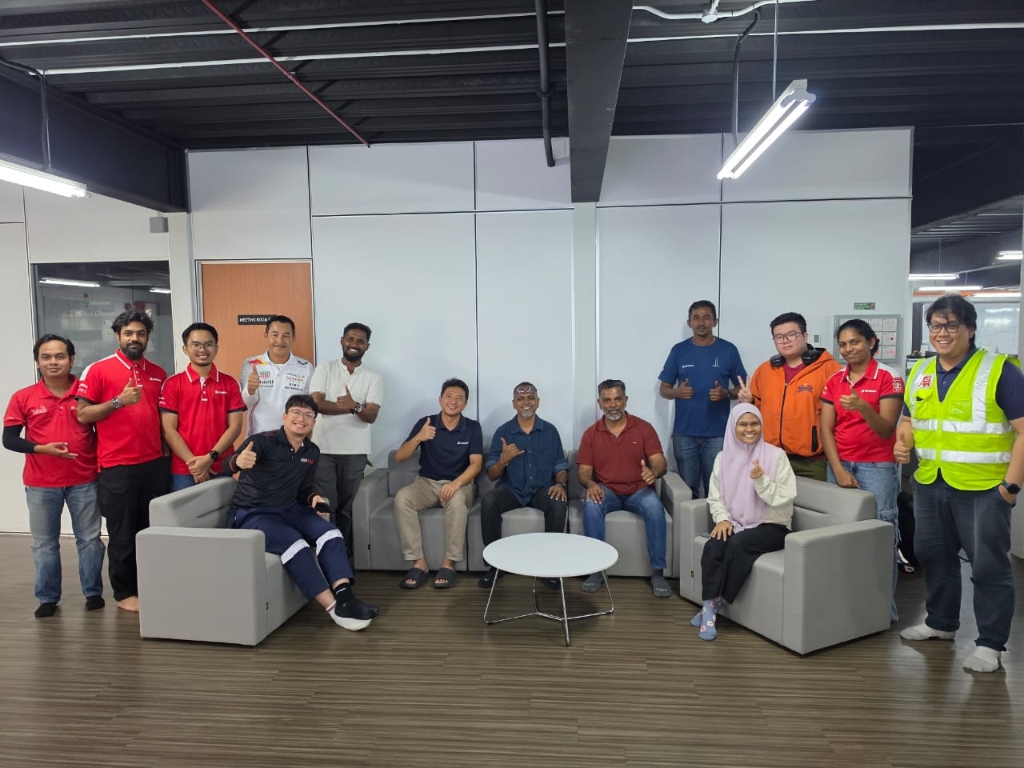 Sankar's EHS Team • Group Photo #8
👍 All-Hands Thumbs-Up
Sankar's EHS Team: Full Cohort Thumbs-Up Milestone (#2)
All-hands thumbs-up capture with Sankar Nadasan, Eddie Gopinath, and the EHS builders ready to deploy their safety AI apps.
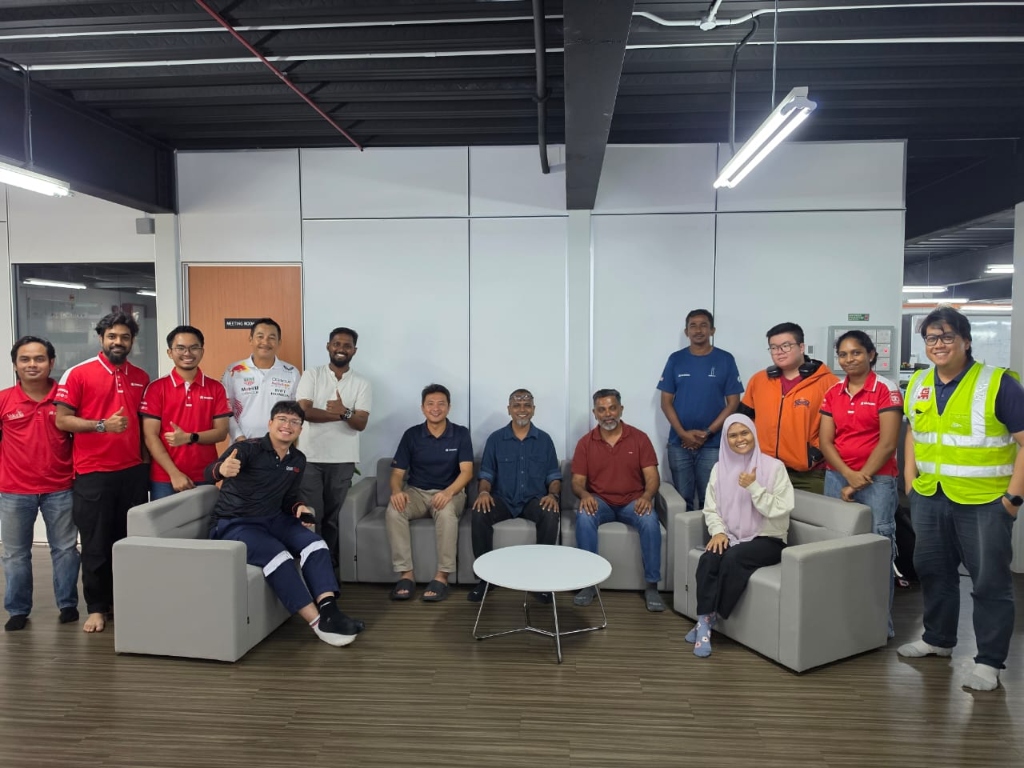 Sankar's EHS Team • Group Photo #9
📸 Official Cohort Portrait
Sankar's EHS Team: Official Cohort & Facilitator Portrait (#3)
Official group portrait of Sankar Nadasan, Eddie Gopinath, and the 11 Gamuda EHS specialists upon completing the core workshop.
Cohort 1 • Live Virtual Lab
Cohort 1 Live Interactive Lab & Prompt Engineering
Trainees engaging live in prompt engineering, autonomous workflow setup, and real-time collaboration with Eddie and trainers.
 Cohort 1 • Capstone Moment
Cohort 1 Core Workshop Capstone Celebration
Thumbs up celebration upon concluding the core workshop curriculum and transitioning into post-flight syncs.
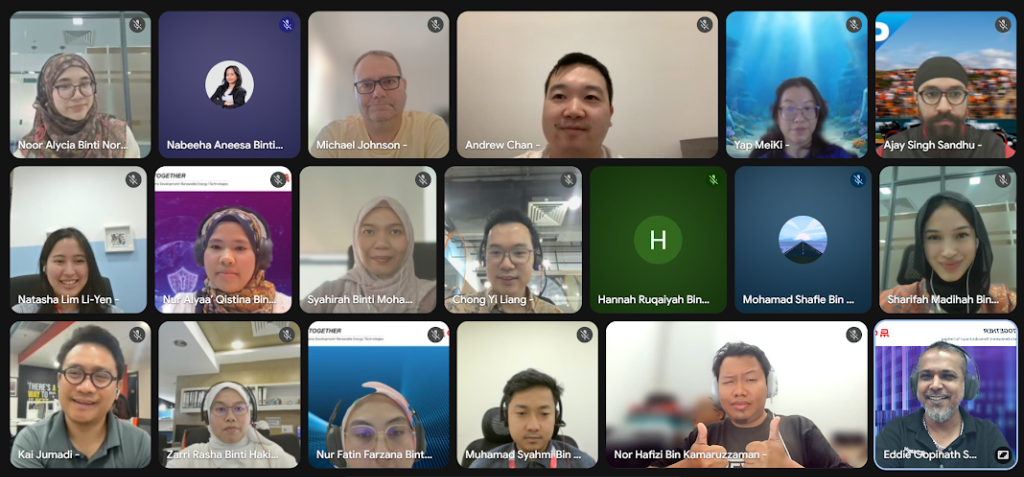
 Cohort 2 • 7-Oct-2026 Workshop
Cohort 2 Core Workshop Live Hands-On Delivery
Over 30 Cohort 2 participants actively building and deploying agentic AI tools during the 7 October 2026 Core Workshop.
Cohort 2 • Sync-Up #1 (Video Still #1)
Cohort 2 Sync-Up #1: The 3-Peg Setting-Out Blueprint
Eddie walking Cohort 2 builders across MY, AU & VN through Git, Firebase Hosting, and GCP Cloud Run boundary pegs.
Cohort 2 • Sync-Up #1 (Video Still #2)
Cohort 2 Sync-Up #1: 3-Part Site SOP & Guardhouse
Live architecture walkthrough of standing Resident Engineer instructions in GEMINI.md and corporate SSO verification.
 Eddie's Special Cohort • 1-to-1 Track
Eddie's Special Cohort: 1-to-1 Hands-On Coaching
Dedicated Special Cohort session guiding Siti Zulaikha and Chew Jincherng through custom Antigravity 2.0 workflows.
Stage 2: Cohort 3 Core Workshop Run Sheet (4-Hour Foundation Day)
Thursday, 5-Nov-2026 • 08:00 AM – 12:00 PM MYT (32 Confirmed Cohort 3 Builders)Workshop Materials Progress: 0 / 8 Decks Viewed
Stage 3: In-Flight Navigation (Delivery Arsenal)
Multi-Gen Classroom Playbook
Civil engineers understand structures but hate syntax. Site workers understand operations but may have tech anxiety.
Delivery Pro-Tips
- No Typing Code: If a student types syntax, pause class. Manual edits desynchronize the agent's memory map.
- Security Framing: Tell students: "The sandbox is your safety harness. You can't break corporate servers."
Key Teaching Analogies
Stage 4: Post-Flight (Bi-Weekly Syncs & Iterative Scaling)
Ongoing 1 quarter of cohort support, code clinics, architectural reviews, and production scaling.
The AI Construction Foreman: Managing AI to Build Without Collapsing
When you ask AI to add a new button or field, does it wipe your existing table or cut off halfway? You haven't failed—you've hit the Overcrowded Drawing Trap. In Cohort 2 Sync #2 (Delivered Wednesday, 4 November 2026), we put on our Gamuda Foreman hats: mastering the IBS Prefab method (Look vs. Brains vs. Data), the "Do-Not-Touch" Permit-to-Work prompt rule, and the 3-step F12 black screen console triage.
Never cast the toilet sink inside the foundation column. Separate Look (index.html), Brains (app.js), and Records (data.json) so changing one never cracks the other.
Put up scaffolding and barricades. Tell the AI the exact Authorized Work Zone and No-Go Barricade functions so it stops knocking down working walls.
Screen goes blank? Don't panic or guess. Press F12, copy the red console error line & line number, and feed that exact line back to Antigravity.
Master Program Cadence
View all 6 bi-weekly touchpoints, milestone checkpoints, and graduation dates in the Master Calendar Schedule.
Executive KPI Dashboard
Track cohort velocity, live deployments, and citizen-developer scorecard milestones in the Mission Control Console.